
Intranets
A home page people actually open, with news, tools and alerts for each team, in your brand.
- PaigeWhen did anyone last open the intranet?
- CarlThe day we launched it.
- PaigeIn 2021.
What we do
How it works.
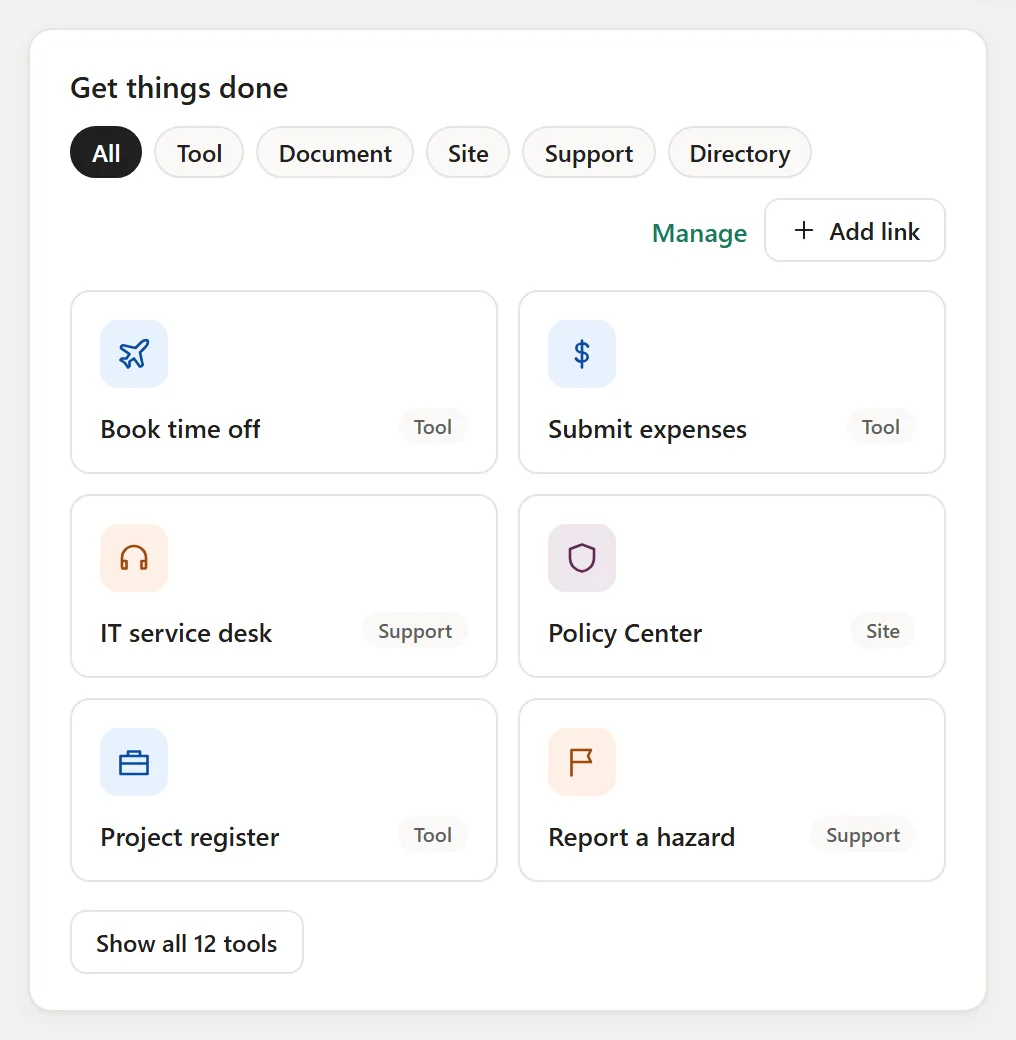
- 01What people need daily
The handful of things each team opens every day.
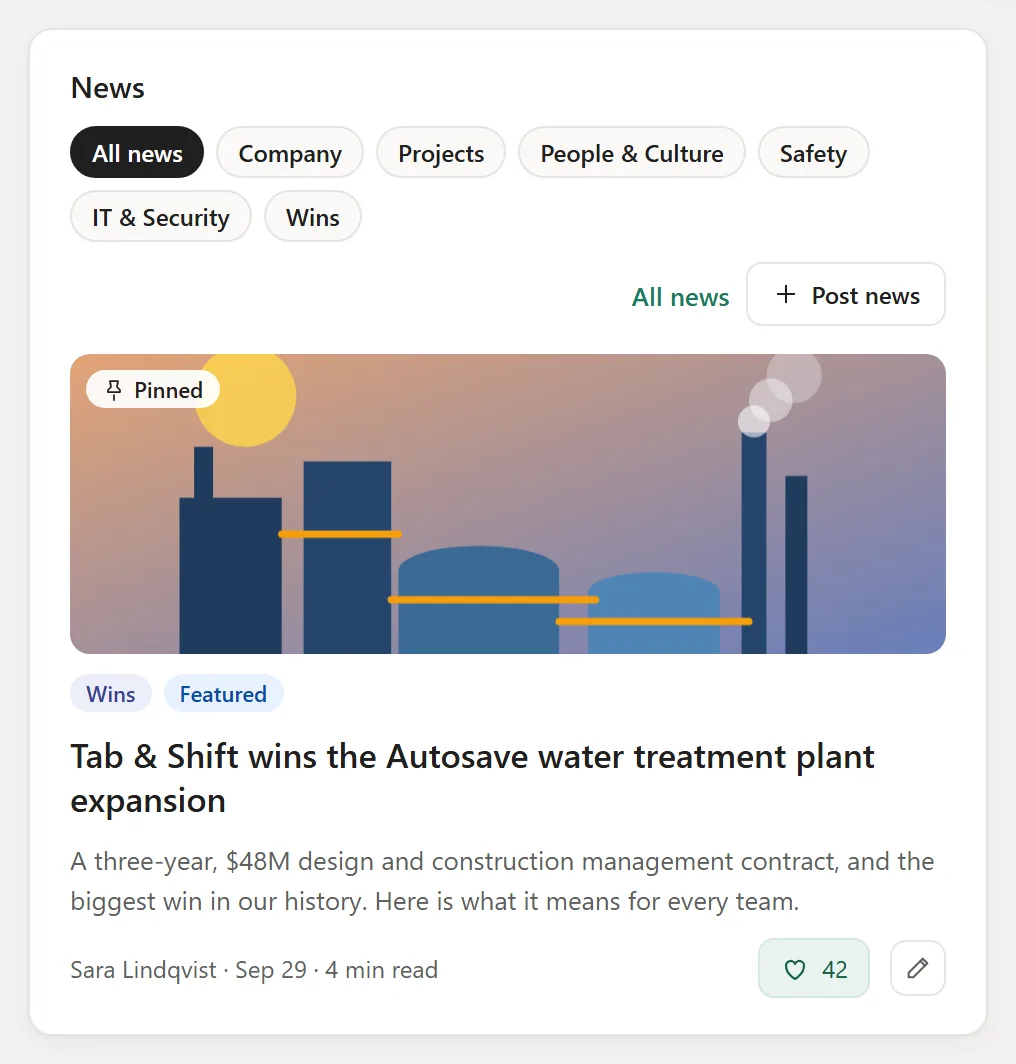
- 02News and alerts that matter
By department, so people see their own first.
- 03Your brand
Set once, and every app follows.
- 04Easy to keep fresh
Owners post in a minute, no designer needed.
Live demo · sample data
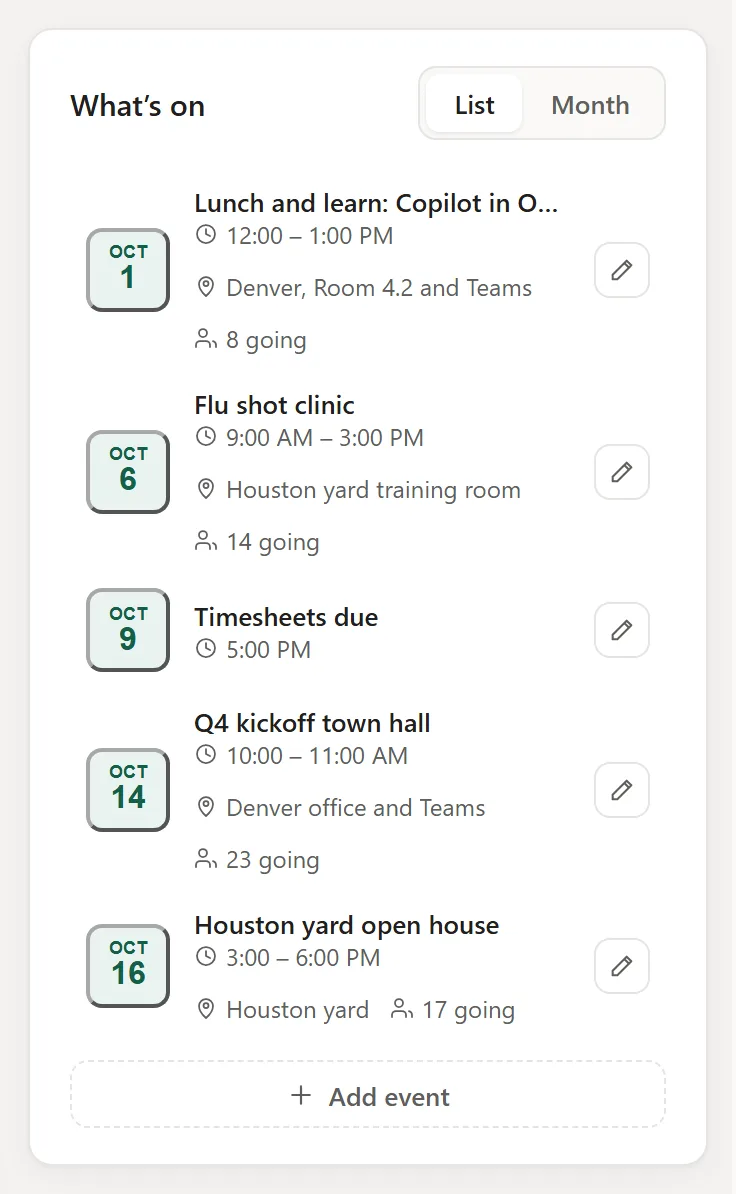
This is the real app. Click around.
The same code that runs in a client’s SharePoint, on made-up Tab & Shift data. Nothing you do here leaves your browser.
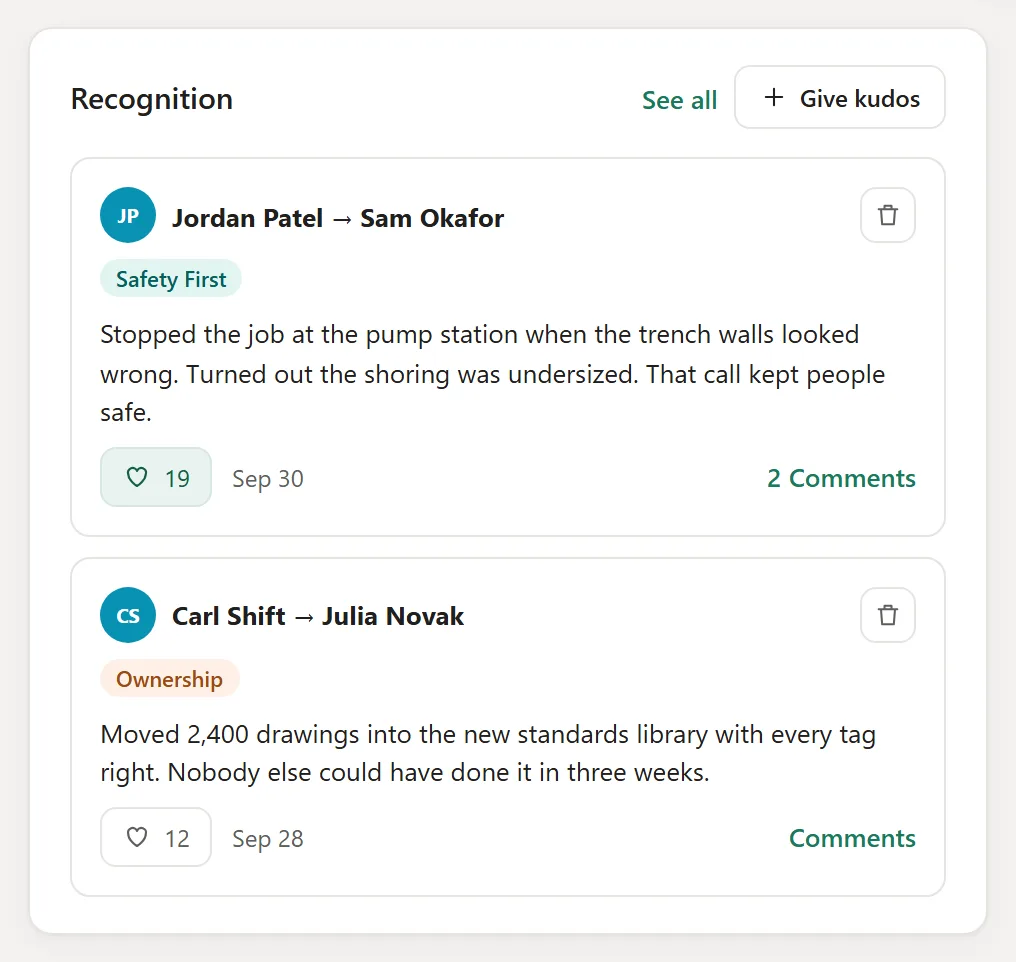
Open the live demoOpens the full app. Turn your phone sideways and pinch to zoom.
Best on a laptop or larger. On a phone, open it full screen.
Examples
What the work looks like.
Questions
What people ask.
Is this a SharePoint intranet?
Yes. It runs as a web part in your own SharePoint, so there is no new login.
Can each department have its own page?
Yes, from the same template, branded and run by the department.
Plan your build.
Thirty minutes on a call. We tell you how we would start. Not sure yet? The Scan is free.